
Finals release · November 2026
A library you work in every day, not a folder of PDFs.
The library for the finals, 14 November 2026
- 106weeks of course material9 finals courses
- 4,533flashcards
- 1,330exercises with solutions
- 3,736quiz questions
Before: PDFs.
Files to read, and your own revision to organise.
Now: a library.
Every week has a summary, cards, exercises and a quiz. It keeps track of where you are.
01
Your library, at a glance
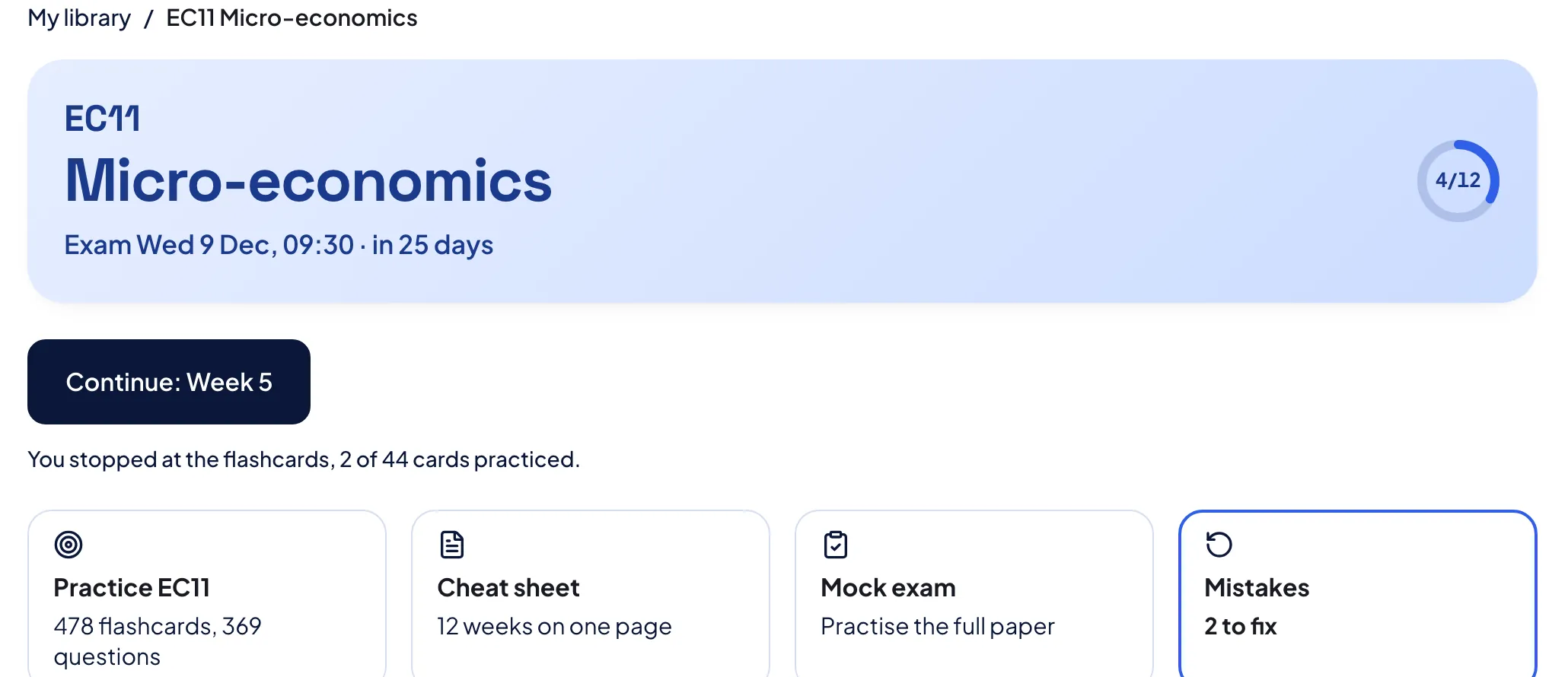
Open it and see where you stand, and what to do today.
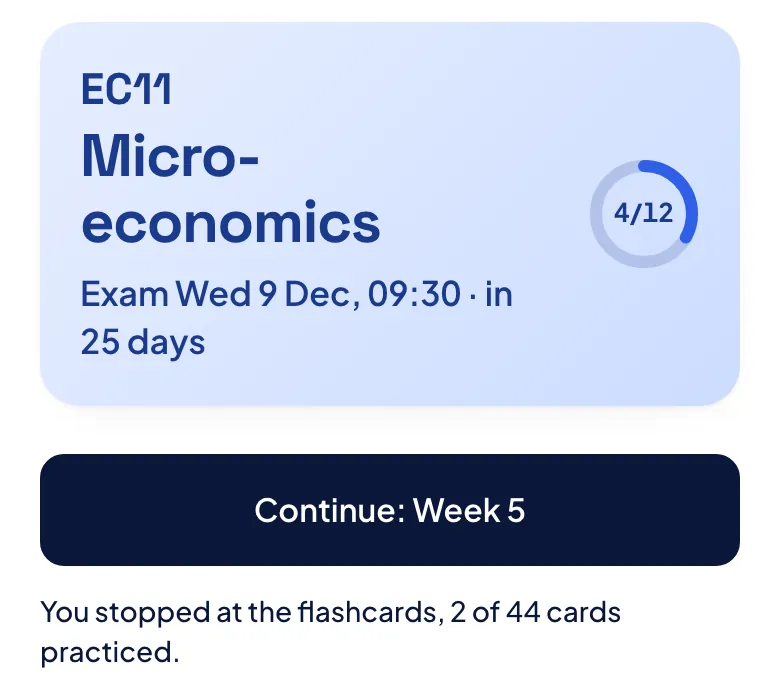
- A weekly study goal drawn as a ring, a streak for the days you study, and a countdown to your next exam.
- Today: up to three tasks. A task ticks itself when you do it.
- One button to carry on where you stopped.

02
Weekly check and level test
A short timed check. See which topics you have mastered.
- Your answers add up across checks to show where each exam topic stands.
- Not sure? Press I don’t know instead of guessing.
- The level test on each course page shows you where to start.

03
Grade calculator
Know what you need on the final.
- Components and weights come filled in from the syllabi. Edit them if yours differ.
- Type an estimate now, add the real mark when you get it. The real mark always counts first.
- Set a target and see the mark you need on the rest.

04
Two summary lengths
The same week, at the length you have time for.
- Detailed or Medium. Switch on any week.
- Print the Medium summary of a week, or of the whole subject at once, and the cheat sheet.
- The sources are listed under every summary.

Also new
Focus timer
25 minutes of focus, then a 5 minute break. Open it from the header on any page, change the lengths.
Practice, by subject
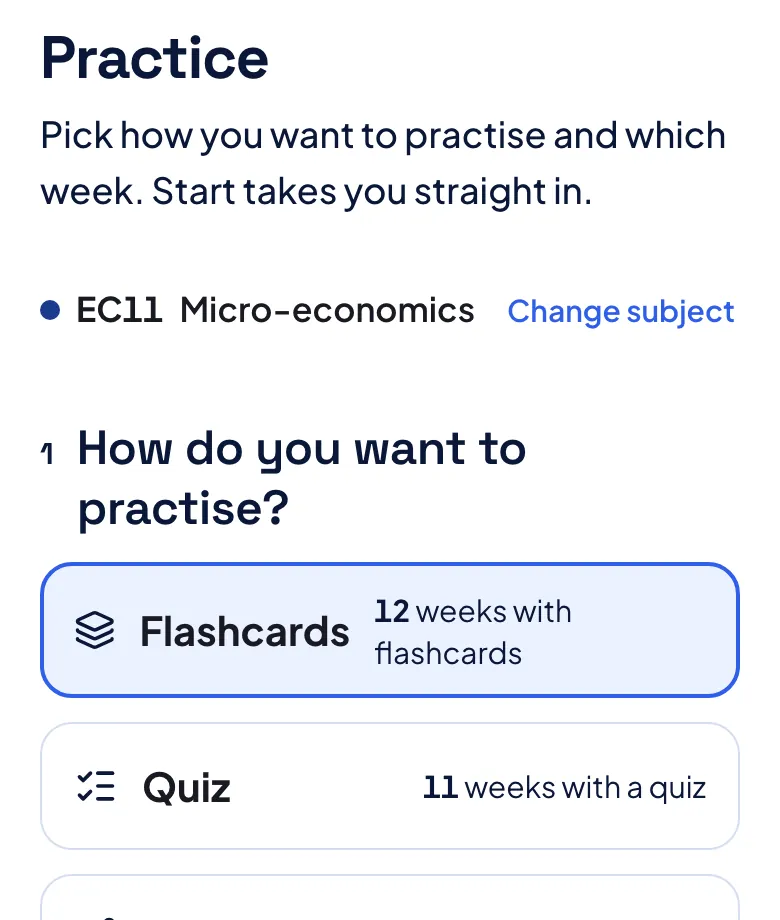
Flashcards, quizzes, exercises with solutions and a full mock exam for every finals course.
Courses rebuilt week by week
Each week follows the course session by session, with a cheat sheet for each course.
Live sessions and the Live Pass
Join from your library, view the slides, watch the replay. The Live Pass adds live sessions to your plan.
A one-minute tour
Starts by itself the first time. Skip it, or open it again from the Help menu.
On your phone
Every screen works on a phone, so you can revise on the way to the exam hall.
How it is made
Made by top 10% students in your university
The people who wrote it sat the same exams and did well in them.
Reviewed by humans
Our team of tutors reviews all the content.
Sources in every summary
Open the Sources menu under a summary to see where each point comes from.
For universities
See what the platform holds and how a one-semester pilot runs for a cohort.
Read about the pilotStart your finals revision.
Pick your year, or try the first week of every subject for free.