
Midterms release · October 2026
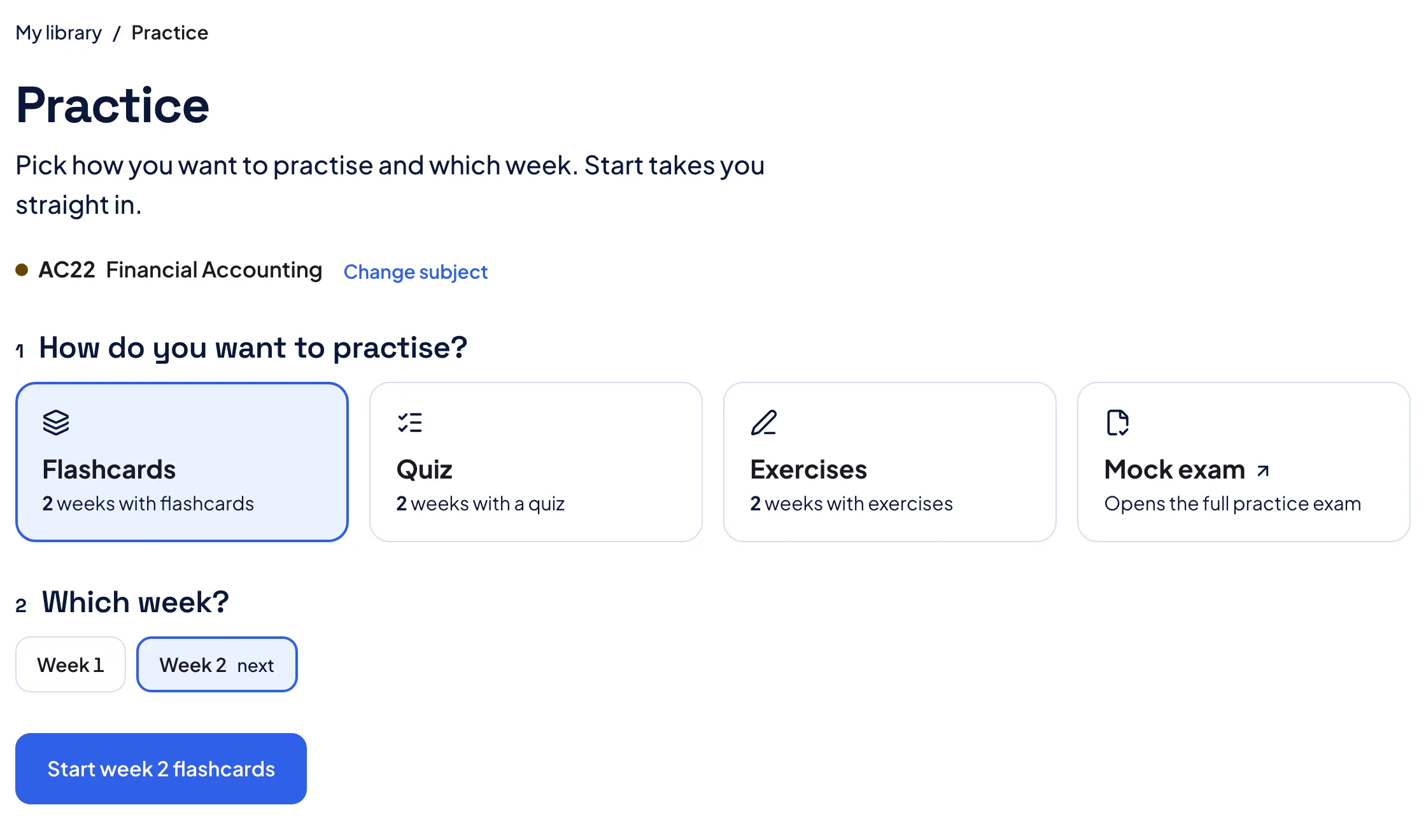
The library opens: summaries, flashcards, exercises and quizzes, week by week.
October 2026
- 400+students opened an accountIn four weeks
- 800+hours studied on the platform
- 741buyers
Before: PDFs.
Files to read, and nothing to practise on.
Now: a library.
Week by week: summaries, cards, exercises, quizzes, and your progress kept for you.
01
A free account
Week 1 of every subject is free.
- Open an account and read the first week of any subject, in full.
- Same summary, same layout as the paid library.
- Weeks 2 onwards open when you get access.

02
Exercises that check you
Type your answer. The library tells you if it is right.
- Numeric answers are checked for you.
- A worked solution under every exercise, then mark yourself: got it, partly, missed.
- Try again as many times as you like.

03
Quizzes
No idea? Say so and see the answer.
- I don’t know shows the answer and a short explanation. It counts as not correct, so guessing never hides a gap.
- One question at a time, or all questions on one page.

04
Mock exams
A full paper, under exam conditions.
- The duration, marks and rules are written out before you start.
- Where the real paper takes marks off for a wrong answer, the mock does too.
- A timer, and a correction once you submit.

Also in the library
One page per subject
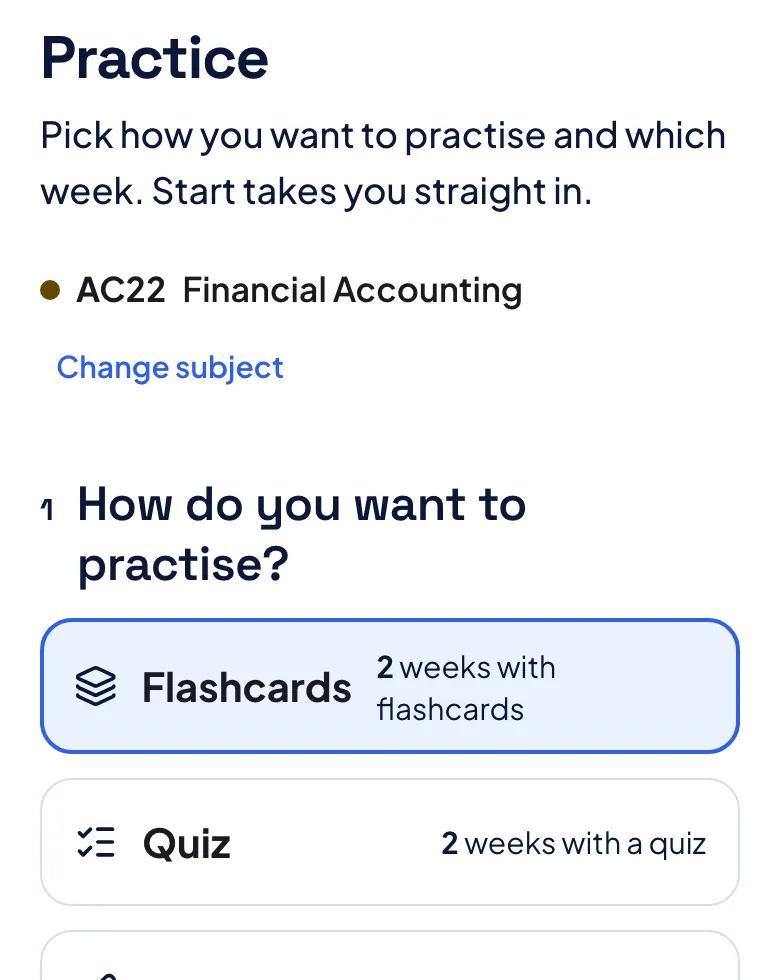
Your weeks, the practice, the cheat sheet and the mock exam, with a continue button back to where you stopped.
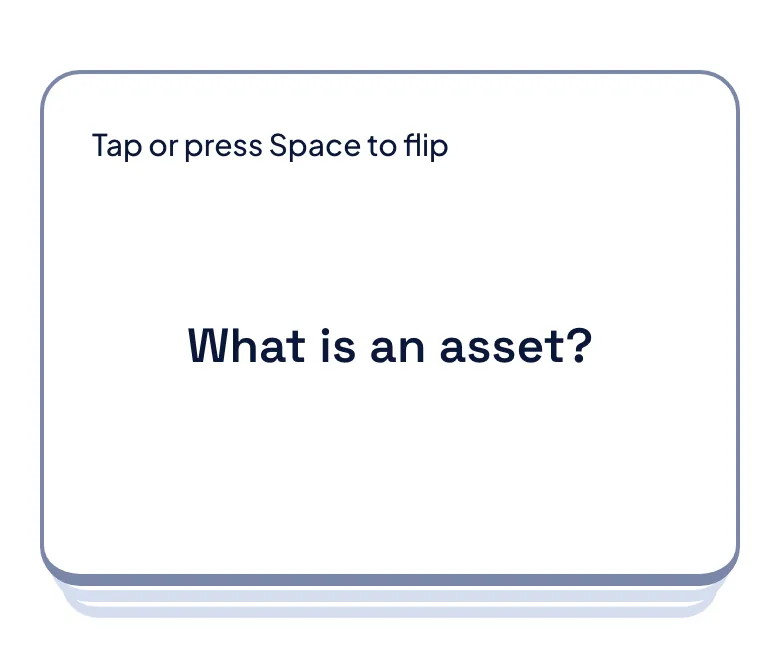
Flashcards
Flip, then say how it went: Hard, Medium or Easy. Space to flip, 1, 2 or 3 to grade.
Live session slides
View the slides of a session you booked, signed in, from your library.
Calendar sync
Add a session to Google Calendar, Outlook or Apple Calendar, or all your sessions to Google Calendar at once.
How it is made
Made by top 10% students in your university
The people who wrote it sat the same exams and did well in them.
Reviewed by humans
Our team of tutors reviews all the content.
Sources in every summary
Open the Sources menu under a summary to see where each point comes from.
For universities
See what the platform holds and how a one-semester pilot runs for a cohort.
Read about the pilotTry the first week of every subject.
Open a free account, or pick your year.